Why AI Can’t Replace the Human Eye: Writing and Editing Roles Still Matter

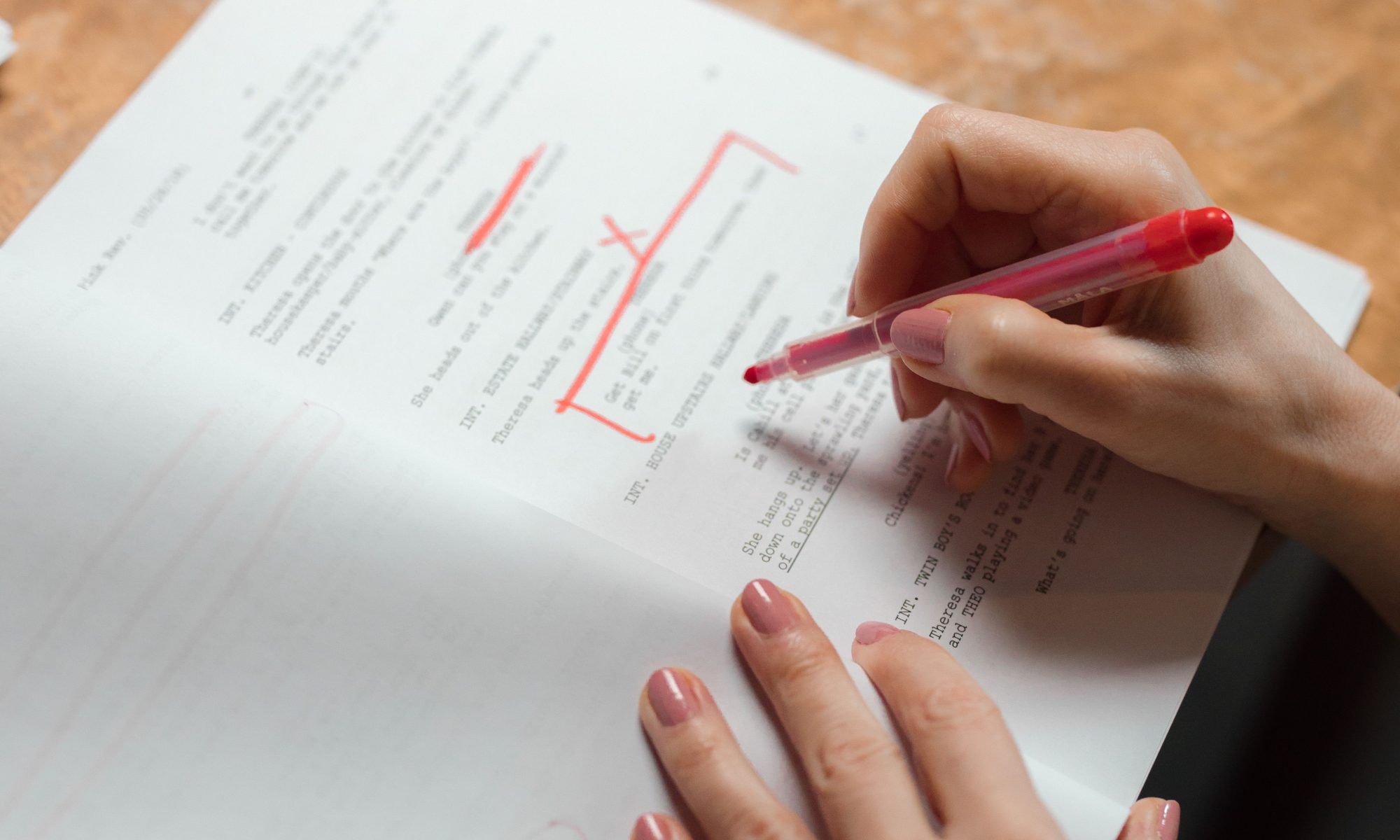
a person proofreading and editing a document.

With all that AI can do for content generation, I’ve seen a lot of “why do we even need human writers and editors anymore?” chatter. Companies eager to save time and money are using AI as a replacement for writing, editing, and proofreading roles.

And hey, I’m all about streamlining processes, saving time, and getting the absolute most out of available tools. But when it comes to effective human-to-human communication, I’m sharing why I think skilled writers and editors aren’t just relevant in the age of AI; they’re essential.

1. Nuance, Tone, and Brand Voice (AI Doesn’t Have One)

AI algorithms predict the next statistical word in a sentence; they don’t understand context, humor, empathy, or audience rapport. Have you noticed that even after giving AI your style guide and previous writing examples, it doesn’t quite meet the mark? Experienced writers and editors can refine those AI-generated drafts to ensure your content actually sounds like it came from a human (you)!

2. Hallucinations and Fact-Checking: (Virtual) Red Pens Are Still Required

AI tools are notoriously confident even when they are flat-out wrong. They generate plausible-sounding facts, misplaced statistics, and made-up citations with total conviction. Relying on unedited AI output without a keen human eye to fact-check and verify details is a recipe for embarrassing errors…or worse, a damaged reputation.

3. Creating Order Out of Algorithmic Chaos

AI tools love fluff. They repeat concepts, use passive voice, abuse cliché buzzwords (“delve,” “testament,” “landscape,” anyone?), and lack structural flow. A good editor does what AI cannot: cut through the noise, trim the fat, organize the logical structure, and make sure every sentence serves a purpose.

4. Strategy vs. Speed

Outputting words is cheap; strategy is priceless. An editor or writer looks at a piece of content through a holistic lens:

  • Does this address the reader’s real pain point?
  • Is the call to action clear?
  • Does this align with our broader business goals?

There’s no denying that AI can give you a great starting point, but a strategic (human) eye is what turns that raw text into meaningful content.

The Bottom Line

AI shouldn’t be feared, and it shouldn’t mean the end of writing and editing roles. It’s an amazing tool that we should all be adding to our arsenal.

But just like a high-end camera doesn’t make someone a professional photographer, using AI doesn’t make someone a gifted writer or editor.

Companies that use AI to speed up the routine stuff while leaning on professional writers and editors to polish, fact-check, and ensure the human connection is present are the ones that will thrive.

Common Homophone Mix-ups

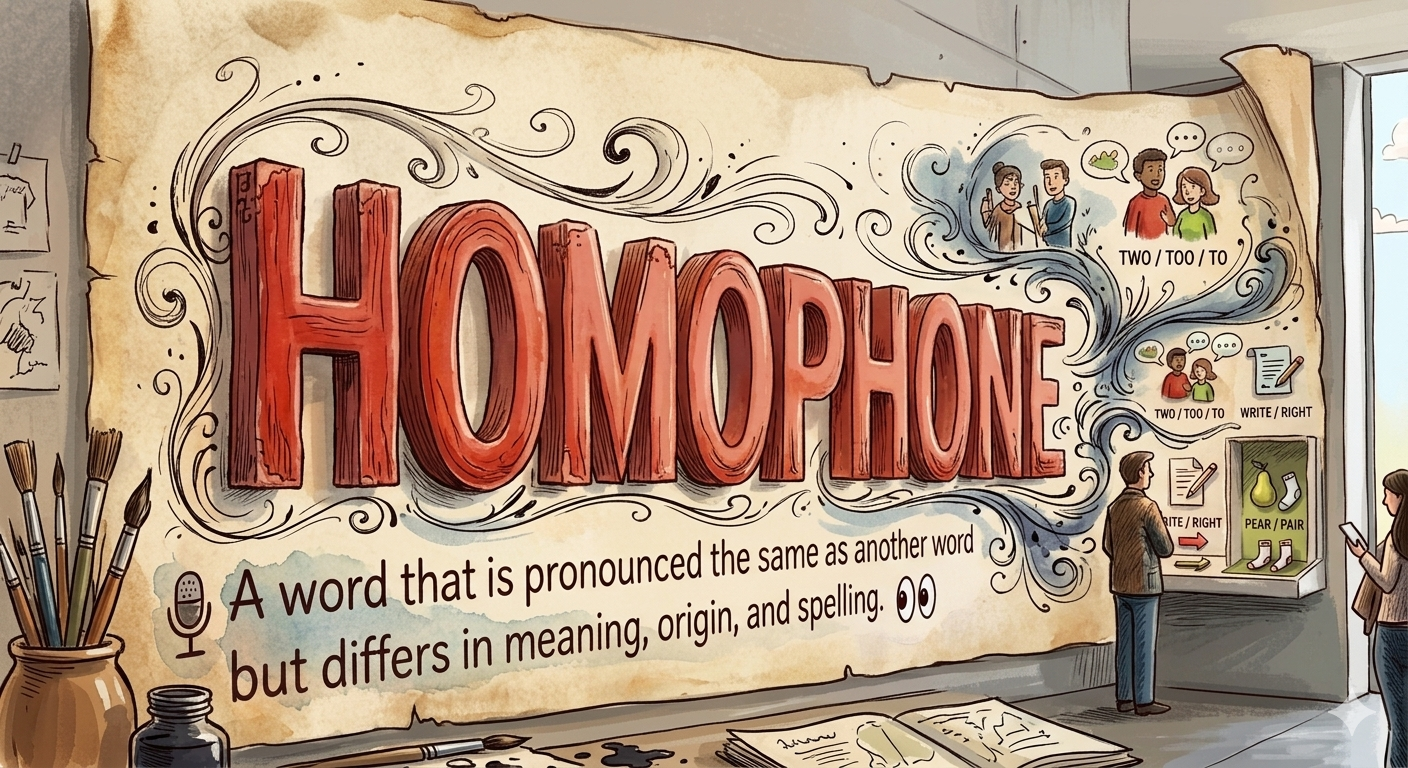
Homophones, two words that sound alike but have different meanings (and are spelled differently), have long been a source of confusion for English language users.

With the mass adoption of grammar checkers and AI tools, I assumed I’d find fewer of these errors out there in the wild. But if anything, it seems the opposite is true.

So, as someone who loves a good list (and any excuse to nerd out on grammar), the following are the most common homophone mix-ups I see, plus some quick tips for remembering the correct use case.

  1. Bear 🐻 versus Bare 🦶

Bear = as a verb; to tolerate, endure, or carry weight. As a noun, a large furry mammal. Please bear with me.

Bare = as a verb, to uncover or reveal. As an adjective, exposed, empty, naked. The bare minimum.

2. Peak ⛰️ versus Peek  👀 versus Pique 🧐

Peak = the highest point or maximum level. She reached the mountain peak.

Peek = to look at something quickly or through a small opening. Here’s a sneak peek at your photos.

Pique = to excite, stimulate, or provoke. This book will pique your interest.

3. A part 🧩 versus Apart ↔️

Not a true homophone, but I come across this mistake all the time!

A part = two words that mean a piece or segment of something larger. She loves being a part of the team.

Apart = separation or distance. I won’t let the bad weather keep us apart.

I think tackling there / their / they’re and to / too / two deserves a separate post! 🤓

What homophone mix-ups do you see most often?


Happy National Proofreading Day (to those who celebrate)!

March 8th is National Proofreading Day!

While it may feel like a lost art these days, National Proofreading Day (NPD) reminds us of the importance of proofreading our written work.

So why not take a moment to re-read those texts and emails? And if you’re really feeling crazy, go ahead and run spell check before pressing send.

To all my fellow proofreaders and grammar nerds out there, today is our day to shine! 🎉

#nationalproofreadingday

Ditch your paid to-do list and use this instead

Fellow iOS folks, if you’re using a paid app to manage your to-do list, it’s time to reconsider.

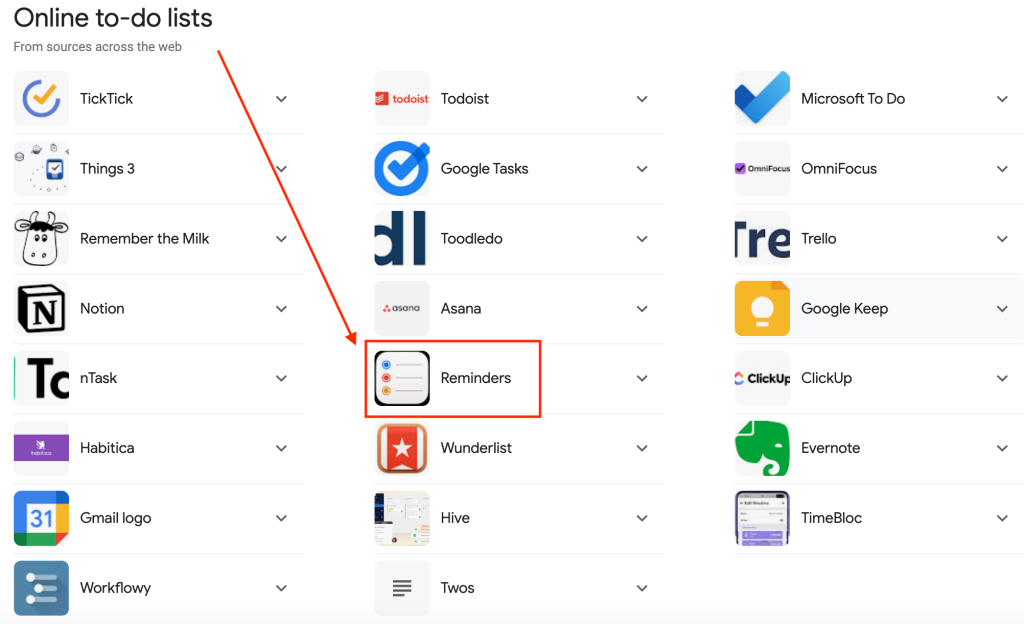
As a simple Google search shows, there’s an array of tools out there for managing to-do lists. All of them do the job, and yes, many of them include a ton of cool features. But the bottom line is that if you’re paying even as little as 99 cents per month on a to-do list app, you’re wasting money.

There’s simply no need to spend a single cent on yet another productivity app when you’ve essentially already paid for one that does everything you need, and probably more.

Yep, I’m talking about the often slept-on Reminders tool that comes pre-loaded in all your Apple products.

google search results for online to-do list tool.

I’ve been using this little freebie for years for business and personal task management. And as a self-proclaimed professional multitasker and avid list-maker, I’m still constantly impressed with its capabilities. In fact, I happen to think it’s the best online to-do list tool out there.

The list of features is vast, and there’s a ton of documentation available on Apple Support for you to review and compare, so here’s a  super quick overview of some of the highlights;

  • create as many lists as you want (duh)
  • create list groups – I have a group set up for each of my clients
  • pin and sort lists (LOVE!)
  • set up smart lists
  • share lists with other users (great for project collab!)
  • set up recurring items and customize alerts – a must for those easy-to-forget quarterly/annual tasks

And, of course, thanks to iCloud, it’s synced across all your devices.

So, if you’re like me and looking for every opportunity to cut costs and streamline your budget (and in this economy, who isn’t?!),  I urge you to give Reminders a try for your online to-do list needs.

Doing more without spending more and getting the most from the tools you already have—that’s the Type A way.


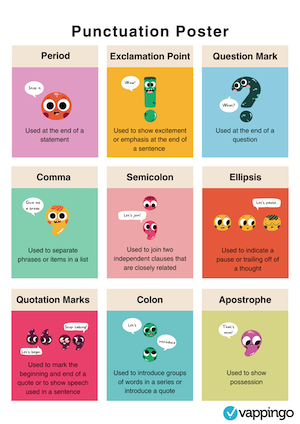
Happy National Punctuation Day!

Today is National Punctuation Day, a day dedicated to celebrating the importance of punctuation.

In the era of texting and social media, punctuation (not to mention spelling and sentence structure) has not just been abandoned; it is something to be scoffed at and even downright ridiculed.

But on this special day, I think we should take a moment to remember all the good that punctuation does for our society.

Commas really DO make a difference, people.

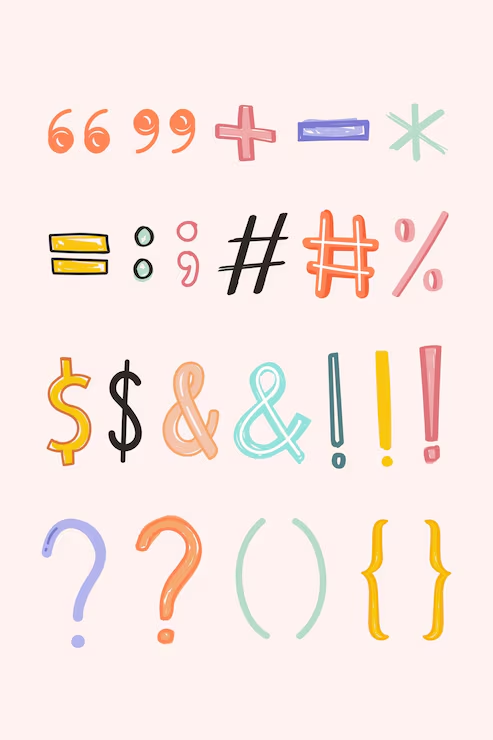
And how if you think about it, punctuation can actually be quite beautiful.

Bet you didn’t know the name of this little guy.

So, to all my fellow proofreaders, editors, and grammar nerds, I say: let’s seize the moment!

Go ahead and suggest adding those missing commas and switching the misused exclamation marks to question marks. And don’t be afraid to point out the incorrect use of apostrophes (or the lack thereof).

Or if you’re really feeling brave, you can even tackle the great em dash vs. en dash vs. hyphen debate!

In other words….let’s party!🎉

To learn more about NPD, click here.